How to Use LinkPay
Complete registration, login and first payment in a few simple steps. Perfect for beginners.
LinkPay Registration Process
Create your LinkPay account in under five minutes.
Download the App
Open the official install link on your Android phone. Install the LinkPay APK and allow the required permissions.
Sign Up
Enter your mobile number, create a strong password and complete OTP verification if prompted. Use the invite code if you have one.
Set Up Profile
Add basic details, enable PIN protection if available, and familiarise yourself with the Home, Payment, Team and My tabs.
Fund & Start
Follow in-app instructions to prepare your first order using a supported wallet. Start with a small amount while learning.
LinkPay Login & Account Access
Returning users can access their account quickly.
Open LinkPay
Launch the app from your phone. Make sure you are using the official version downloaded from the verified link.
Enter Credentials
Type your registered mobile number and password. Tap Login. If you forget the password, use the recovery option or contact support.
Check Dashboard
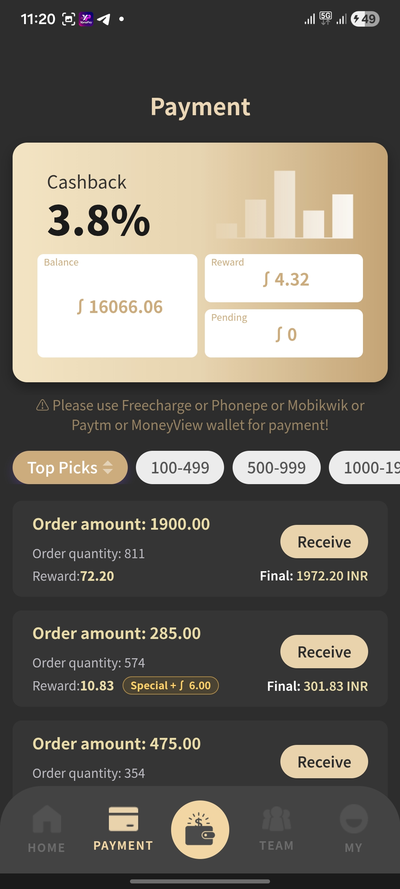
After login you will see your asset balance, cashback rate, pending rewards and quick links to Payment and Team sections.
UPI Payment Guide for Beginners
How a typical receive / payment order works inside LinkPay.
Go to Payment Tab
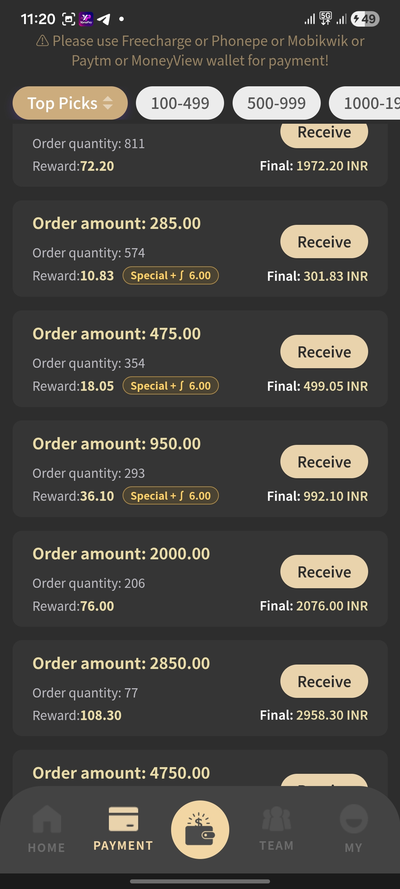
Tap the Payment icon at the bottom. You will see available orders filtered by amount ranges and Top Picks.
Select an Order
Choose an order amount you are comfortable with. Note the order quantity, reward and final amount shown on the card.
Confirm & Pay via Wallet
Tap Receive (or the action button). Follow the on-screen instructions and complete the transfer using Freecharge, PhonePe, Mobikwik, Paytm or MoneyView as recommended.
Wait for Confirmation
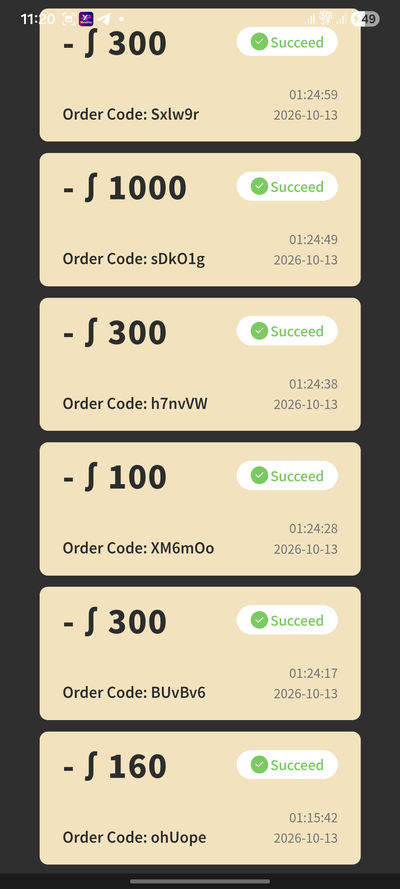
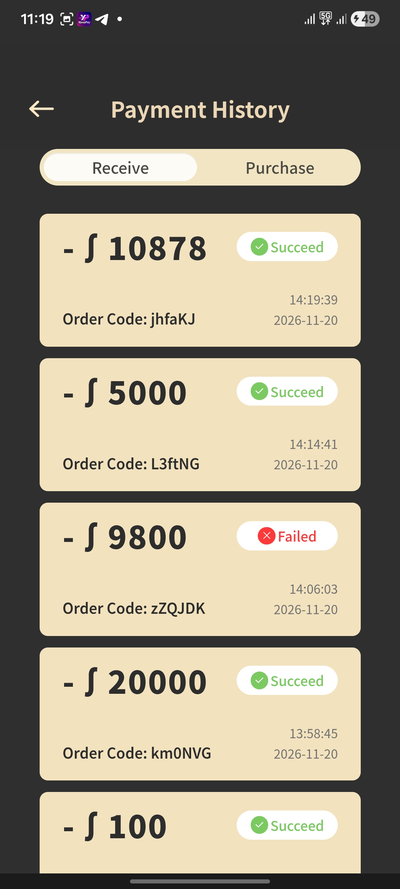
Once the counterpart confirms, the order status becomes Succeed. Your balance and reward update automatically. Check Payment History for records.